Curious whether all gaming laptops run hot and what you can do about it? Dive into our comprehensive guide for 2026 where we address common concerns and provide practical solutions for optimizing your gaming experience. Many gamers especially those balancing work family and life often wonder if elevated temperatures are normal or a sign of trouble with their precious hardware. This article explores the science behind laptop heat discusses modern cooling technologies and offers actionable tips to keep your system performing at its peak without breaking the bank or sacrificing valuable playtime. Learn how to manage thermals effectively ensuring your gaming sessions remain smooth enjoyable and worry free allowing you to focus on dominating your favorite titles or unwinding with friends. Discover budget friendly upgrades and maintenance routines that extend your laptops lifespan and maintain optimal performance without falling prey to hype. We cover everything from proper airflow to undervolting and external cooling options providing a complete picture for every gamer.
Do all gaming laptops run hot during intense gameplay?
No, while it is common for gaming laptops to generate significant heat due to powerful components, not all of them run excessively hot to the point of causing performance issues or damage. High-end models often feature advanced cooling systems designed to manage heat effectively. However, during intense gameplay, some level of heat is inevitable and normal for all gaming laptops.
What is considered a safe operating temperature for a gaming laptop?
For most gaming laptops, CPU temperatures between 70-90 degrees Celsius and GPU temperatures between 65-85 degrees Celsius under heavy gaming load are generally considered within safe operating limits. Sustained temperatures above 95 C for the CPU or 90 C for the GPU can be a cause for concern and may lead to thermal throttling or long-term component degradation.
How can I check if my gaming laptop's cooling system is working efficiently?
You can check cooling efficiency by monitoring temperatures with software like HWMonitor or MSI Afterburner during gaming. A healthy cooling system will typically keep temperatures below critical thresholds and recover quickly after load. Listen for fan noise; if fans are constantly at maximum speed and temperatures are still high, or if they're unusually quiet while temperatures soar, it might indicate an issue. Also, ensure air is actually flowing out of the exhaust vents.
Are cooling pads essential for all gaming laptops to prevent overheating?
Cooling pads are not essential for all gaming laptops, but they can be highly beneficial, especially for models that run particularly warm or for users who game for extended periods. They work best by supplying fresh air to the laptop's intake vents, which can lower temperatures by a few degrees and help prevent thermal throttling. Whether they are essential depends on your specific laptop's thermals and your usage habits.
What are the most effective ways to prevent a gaming laptop from running too hot?
The most effective ways to prevent a gaming laptop from running too hot include ensuring proper ventilation by using it on a hard, flat surface, elevating it with a stand, regularly cleaning dust from vents with compressed air, optimizing in-game graphics settings, and potentially undervolting the CPU or GPU. Keeping your drivers updated and playing in a cool environment also contributes significantly.
Will undervolting void my gaming laptop's warranty?
Generally, undervolting your CPU or GPU through software like ThrottleStop, XTU, or MSI Afterburner does not void your gaming laptop's warranty, as it's a software-based modification that doesn't involve opening the hardware. However, it's always wise to check your specific manufacturer's warranty policy, as some might have clauses regarding software modifications or if the undervolting causes instability that leads to hardware failure (though this is rare if done carefully).
Should I replace my gaming laptop's thermal paste to improve cooling?
If your gaming laptop is a few years old and you've noticed a significant increase in operating temperatures despite other cooling efforts, replacing the thermal paste can be a very effective solution. Over time, factory thermal paste can dry out and lose its effectiveness. A fresh application of high-quality thermal paste can dramatically improve heat transfer, leading to lower temperatures and better performance. If you're not comfortable doing it yourself, consider professional service.
You've just wrapped up a long day, juggling work, family, and life's endless demands. Now, it's finally time to unwind, fire up your gaming laptop, and dive into a few rounds of your favorite title – maybe a cozy simulation game, some competitive esports, or exploring a new open world with friends. But as the action heats up on screen, you notice something else getting toasty: your laptop. That familiar warmth, sometimes turning into an alarming heat, can quickly shift your focus from epic quests to concerning questions like, "Do all gaming laptops run hot?" It’s a common worry for many gamers, especially the roughly 87% of us in the US who game regularly, often for 10+ hours a week, and who seek both peak performance and peace of mind from our valuable tech. Nobody wants their precious machine to struggle, thermal throttle, or worse, face an early retirement due to overheating.
The good news is, while gaming laptops inherently generate more heat than your average productivity machine, not all are destined to become miniature space heaters. Understanding why they get hot, what’s considered normal, and most importantly, what practical steps you can take to manage those temperatures effectively is key to preserving your hardware, maintaining peak performance, and ensuring your gaming sessions remain nothing short of awesome. This guide is crafted for you – the busy gamer who values their relaxation time and wants straight answers without the hype. Let’s dive into how you can keep your gaming rig cool and performing its best, making sure those precious moments of digital escape are always smooth and enjoyable.
Why do gaming laptops get so hot?
Gaming laptops pack powerful components like high-performance CPUs and GPUs into a compact chassis. These components, especially when running demanding games, draw significant power and generate a lot of heat as a byproduct of their intensive calculations. Imagine cramming a sports car engine into a small sedan – it's going to run hotter than a typical commuter car. The limited internal space means less room for large heatsinks and fans compared to a desktop PC, making heat dissipation a constant challenge. Factors like high clock speeds, advanced graphics rendering, and even the ambient room temperature all contribute to the thermal load your laptop has to manage.
Is it normal for a gaming laptop to run hot?
Yes, to a certain extent, it is absolutely normal for a gaming laptop to run hot when you're playing graphically intensive games. Modern gaming laptops are designed with robust cooling systems featuring multiple fans, heat pipes, and often vapor chambers, all engineered to handle substantial heat loads. It's expected for your CPU to hit temperatures in the 80-90 degrees Celsius range, and your GPU in the 70-85 degrees Celsius range, under heavy load. The key is "under heavy load." If your laptop is idling or performing light tasks and still feels excessively hot, that might indicate an issue. But during a heated session of a new release trending this month, those higher temperatures are often within the design parameters for sustained performance.
What are the dangers of an overheating gaming laptop?
While some heat is normal, excessive or prolonged overheating can lead to several problems. The most immediate concern is thermal throttling, where your CPU or GPU automatically reduces its clock speed to lower temperatures, resulting in a noticeable drop in performance, stuttering, and reduced frame rates. This directly impacts your gaming experience, especially when you're trying to build skills in a competitive title or simply enjoy a smooth narrative. Long-term, consistent exposure to high temperatures can accelerate the degradation of internal components, potentially shortening your laptop's lifespan. It can also cause instability, unexpected shutdowns, and even lead to hardware failures over time. No gamer wants to face a dead GPU or a flaky hard drive just because their system ran too hot for too long.
How can I monitor my gaming laptop's temperature?
Monitoring your laptop's temperatures is crucial for understanding its thermal behavior and taking proactive steps. Several excellent, free tools are available for this. Popular choices include:
- HWMonitor: Provides comprehensive readings for CPU, GPU, and other components.
- MSI Afterburner: Primarily for GPUs, but also displays CPU usage and includes an in-game overlay for real-time monitoring.
- NZXT CAM: Offers a sleek interface and system monitoring with game overlays.
- Core Temp: Focuses specifically on CPU core temperatures.
What simple steps can I take to reduce my laptop's heat?
You don't need to be a tech wizard to make a difference. Here are some straightforward, actionable tips:
- Ensure Proper Ventilation: Always use your laptop on a hard, flat surface. Avoid soft surfaces like beds, blankets, or laps, as these block the intake vents on the bottom.
- Elevate Your Laptop: Even a slight elevation can dramatically improve airflow. A simple book or a dedicated laptop stand can lift the back of your laptop, allowing air to circulate more freely.
- Adjust Power Settings: In Windows Power Options, you can sometimes set the maximum processor state to 99% instead of 100% when plugged in. This can prevent the CPU from entering its highest turbo boost states, reducing heat with a minimal impact on gaming performance for many titles.
- Clean Your Vents Regularly: Dust and pet hair are enemies of cooling. Use a can of compressed air to periodically blow dust out of your intake and exhaust vents. Do this in a well-ventilated area.
- Optimize In-Game Settings: Lowering demanding graphics settings like anti-aliasing, shadow quality, or rendering resolution can significantly reduce the load on your GPU and CPU, thus lowering heat. Find a balance between visual fidelity and thermal comfort.
Are external cooling pads worth it for gaming laptops?
For many gamers, especially those whose laptops consistently run hot, an external cooling pad can be a valuable investment. While not a magic bullet, a good cooling pad with strategically placed fans can provide a steady stream of cooler air directly to your laptop's intake vents. This can help reduce temperatures by a few degrees Celsius, sometimes significantly, leading to less thermal throttling and more stable performance. When choosing one, look for pads that:
- Are designed for your laptop's size.
- Have adjustable fan speeds.
- Direct airflow towards your laptop's intake vents (often located on the bottom).
- Offer good ergonomics for comfortable gaming.
Should I undervolt my gaming laptop's CPU or GPU?
Undervolting is an advanced technique that involves reducing the voltage supplied to your CPU or GPU without decreasing its performance. Because less voltage means less power consumption, it directly translates to less heat generation. This can be incredibly effective for improving thermals and extending battery life without sacrificing frames per second. However, it requires careful execution and testing.
- CPU Undervolting: Often done with tools like ThrottleStop or Intel Extreme Tuning Utility (XTU). It involves gradually lowering the core voltage offset and stress-testing for stability.
- GPU Undervolting: Typically done using MSI Afterburner. You can create a custom voltage/frequency curve to find the sweet spot for your specific GPU.
How often should I clean my gaming laptop's cooling system?
The frequency of cleaning depends on your environment and usage. For most gamers, a thorough cleaning of the external vents with compressed air every 2-3 months is a good routine. If you live in a dusty environment, have pets, or are a heavy smoker, you might need to do it more often, perhaps monthly. For an internal cleaning, which involves opening the laptop to clean fans and reapply thermal paste, it's generally recommended every 1-2 years. This is a more involved process and if you're not comfortable doing it yourself, consider taking it to a professional technician. Fresh thermal paste can make a significant difference in heat transfer between your components and the heatsinks, restoring performance that might have degraded over time due to dried-out paste.
What gaming habits contribute to better thermals?
Beyond hardware tweaks, your habits can play a big role in keeping your laptop cool:
- Take Breaks: Short breaks allow your laptop to cool down naturally. This is also great for your eyes and mind, perfect for those long social gaming sessions.
- Don't Overdo Background Apps: Close unnecessary programs running in the background. Every application uses CPU cycles and contributes to the overall thermal load.
- Manage Game Settings: As mentioned before, finding the right balance of graphics settings for each game can prevent your system from running at 100% capacity unnecessarily.
- Play in a Cool Environment: If possible, game in a room with air conditioning or good ventilation. A cooler ambient temperature means your laptop's cooling system has an easier job.
- Regular Updates: Keep your operating system, graphics drivers, and game patches up to date. Optimization in software can sometimes reduce load and improve thermal efficiency.
When is it time to consider a hardware upgrade or professional service?
If you've tried all the software and cleaning tips, and your laptop is still consistently overheating, exhibiting severe thermal throttling, or frequently crashing, it might be time for more drastic measures. This could include:
- Thermal Paste Replacement: If your laptop is several years old, the factory thermal paste might have dried out. A professional re-paste can often drop temperatures significantly.
- Fan Replacement: If a fan is making unusual noises or not spinning properly, it may need to be replaced.
- Hardware Upgrade (Desktop Focus): For laptop users, major hardware upgrades are often limited. However, if performance issues persist, it might be a sign that your current laptop can no longer handle modern titles at acceptable temperatures. This could be a nudge to start saving for a newer, more efficient model designed for the latest games trending this month, perhaps considering desktop PC options for future-proofing and better thermals.
So, do all gaming laptops run hot? While they do generate significant heat, not all suffer from problematic overheating. By understanding the causes, monitoring your system, and implementing smart solutions—from basic ventilation and cleaning to advanced undervolting techniques—you can effectively manage your gaming laptop’s temperatures. This not only ensures smoother, more enjoyable gaming sessions but also protects your investment, extending the life of your valuable hardware. Balancing your passion for gaming with life's other responsibilities is a common reality for many of us, and a well-maintained, cool-running laptop is one less thing to worry about. Keep these tips in mind to stay current with performance without falling for marketing hype, ensuring your machine is always ready for whatever adventure awaits. What's your biggest gaming challenge when it comes to performance and hardware? Comment below and let's keep the conversation going!
FAQ Section
What is thermal throttling?
Thermal throttling is a protective mechanism where your CPU or GPU automatically reduces its clock speed and power consumption to lower its temperature when it gets too hot. This prevents damage but significantly decreases performance, leading to frame drops and stuttering in games.
Can I use my gaming laptop on my lap?
It's generally not recommended to use your gaming laptop directly on your lap or on soft surfaces like blankets. These surfaces block the intake vents on the bottom, severely restricting airflow and causing temperatures to rise rapidly. Always use it on a hard, flat surface or a laptop stand.
Does closing laptop lid affect cooling?
Yes, closing your laptop lid while gaming can significantly hinder cooling, especially if your laptop expels hot air through vents located near the hinge or keyboard. It traps heat and reduces overall airflow. It's best to keep the lid open for optimal ventilation unless you have an external monitor set up and your laptop is explicitly designed for closed-lid gaming.
How do I know if my laptop is too hot?
Your laptop is likely too hot if you experience frequent game stuttering, sudden performance drops, unexpected shutdowns, or if the chassis is painfully hot to touch. Monitoring tools like HWMonitor or MSI Afterburner can give you precise temperature readings; consistently seeing CPU temperatures above 90-95 C or GPU temperatures above 85-90 C under load is a strong indicator of overheating.
Is it safe to game on a laptop for many hours?
Yes, it's generally safe to game for many hours on a laptop provided its cooling system is functioning properly and temperatures remain within safe operating limits. Modern gaming laptops are built for extended use. However, prolonged high temperatures can accelerate component wear, so managing heat and taking breaks is always advisable for both your laptop's longevity and your own well-being.
Does room temperature affect laptop performance?
Absolutely. A cooler ambient room temperature makes it much easier for your laptop's cooling system to dissipate heat. If your room is hot, your laptop will have to work harder, resulting in higher internal temperatures and potentially more thermal throttling. Gaming in a well-ventilated or air-conditioned space can significantly improve thermal performance.
Gaming laptops inherently generate significant heat due to powerful components but not all run excessively hot. Modern cooling systems are designed to manage this. Proper ventilation and maintenance are crucial for optimal performance and longevity. External cooling solutions like pads or stands can significantly help. Understanding thermal limits and software adjustments like undervolting can also prevent overheating. Balanced gaming habits and regular cleaning contribute to a cooler machine.
35




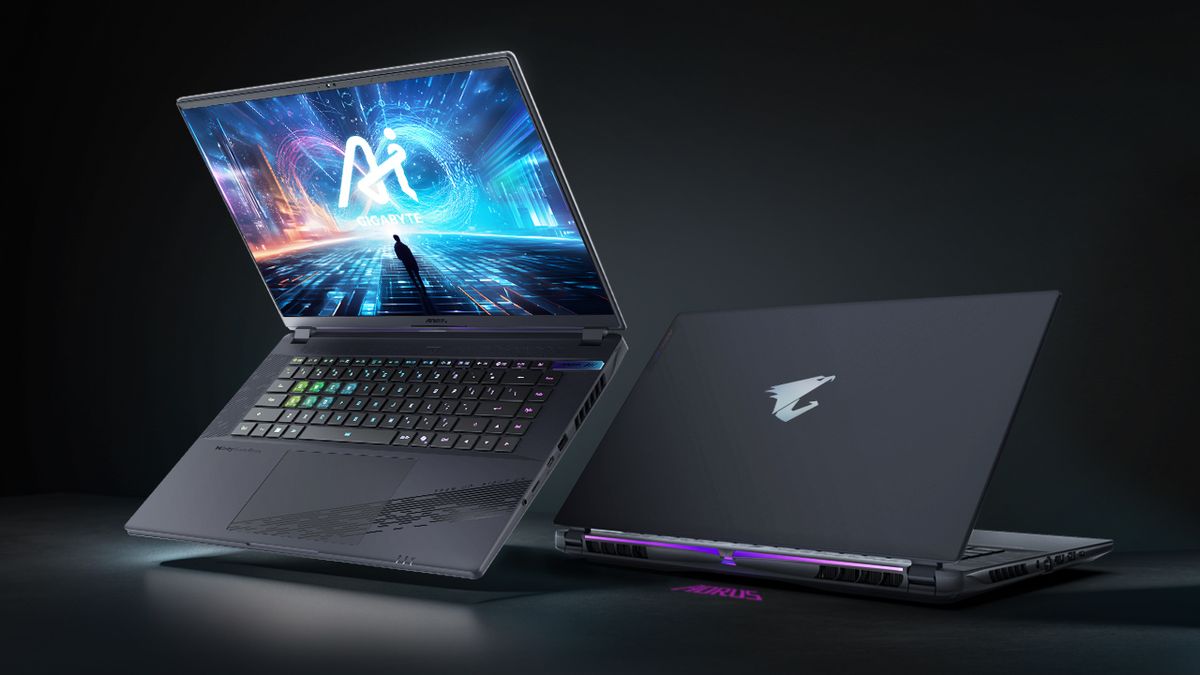
The Best Gaming Laptops Of 2026 At CES YouTube . 2026 ASUS ROG Zephyrus Duo Dual 16 Screen Gaming Laptop ROG Myanmar . How Much For A PC Gaming Setup Cost Top 3 Gaming Laptops Of 2026 - The Ultimate Guide . Dell Unveils Ultra Slim And Entry Level Alienware Gaming Laptops At CES Alienware 38e863a74e . Top 5 Laptop Gaming Ng Mua Nh T 2026 K Nguy N AI PC RTX 50 Series Gemini Generated Image

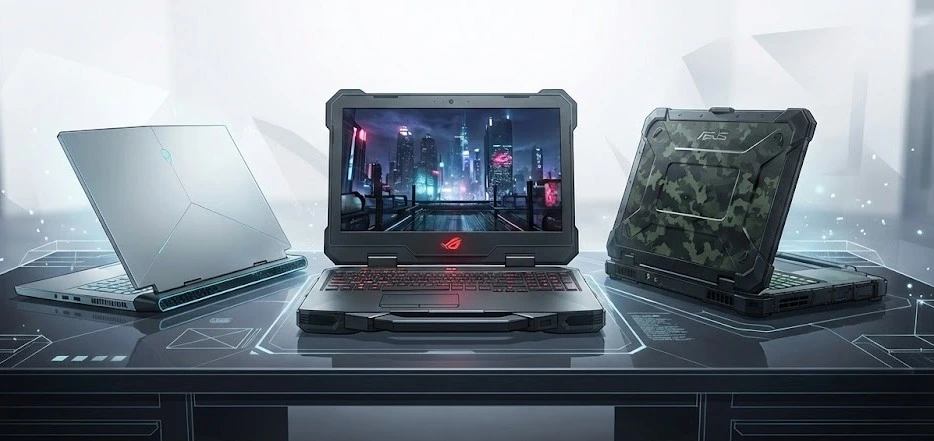


BEST GAMING LAPTOPS IN 2026 REVIEWED AND RANKED Technical 1200 80 . Lenovo CES 2026 OLED ThinkPad BigGo Lenovo CES 2026 Rollable Laptop Concepts 20260107 103129 . Great Affordable Gaming Laptops To Start Your 2026. Top 10 Best Gaming Laptops Under 50000 You Should Buy In 2026 Flypped 1774335069. 5 Laptop Gaming Intel Budget Terbaik Dengan Performa Kuat Dan Layar 144 5 Laptop Gaming Intel Budget Terbaik Dengan Performa Kuat Dan

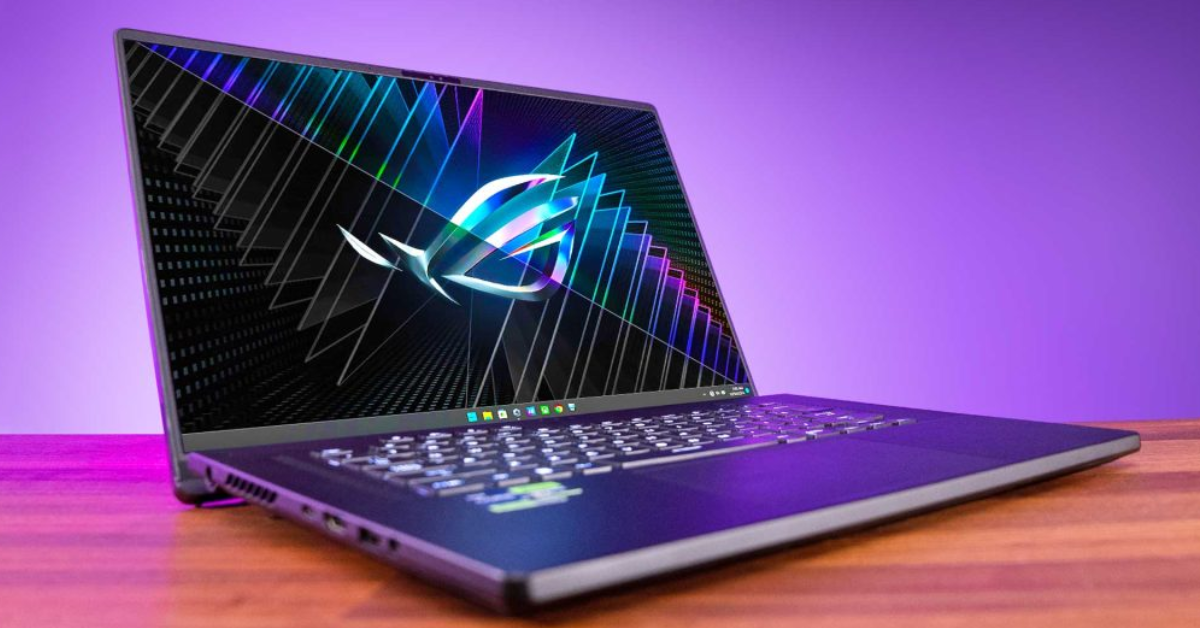
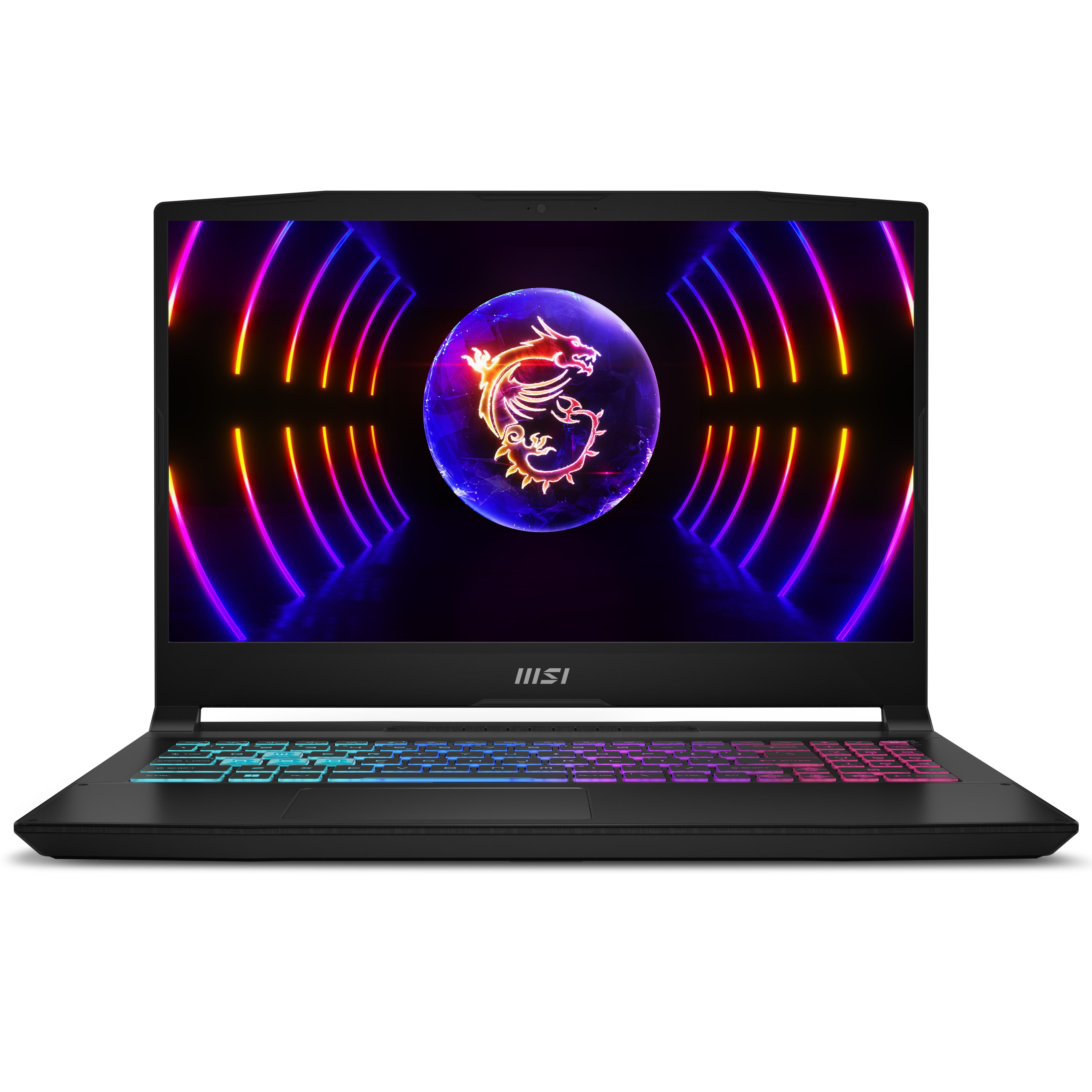


10 Best Laptops For CNC Programming In March 2026 Top Picks Best Gaming Laptops . Gaming Laptops Guide A Complete Overview Gaming Laptops . All Gaming Laptops In Gaming Laptops Walmart Com MSI Katana 15 6 Inch 144Hz Gaming Laptop Intel Core I7 13620H NVIDIA GeForce RTX 4050 16GB DDR5 1TB SSD Black 2024 9d086097 8c71 40cd 9b96 . Best Laptops 2026 Grab These 7 Hot Picks Before They Sell Out Best Gaming Laptops 2026 8 Must Have Picks For Instant Wins 1024x576 . The Best ARM Based Laptops In 2024 The Best 16 Inch Gaming Laptops For 2024 Game Rant Thumb

Top 10 Best Gaming Laptops Of 2026 Next Gen Power Revealed YouTube . The Best Laptop Stands In 2024 6 Best Gaming Laptops Razer Msi Asus Gamerant Thumb . Best Thin And Light Gaming Laptops In 2024 31 Best Gaming Laptops Of 2023 . How Many Watts Gaming Laptops Use Unlock The Myth Volta PC Home Of Make Your Gaming Laptop Run Faster . CES 2026 HyperX OMEN Gaming Laptops Have Been Revealed Ces 2026 Hyperx Omen Gaming Laptops Have Been Unleashed 2026 01 03 164747




8 Best Laptop Stand For Gaming 2026 Top Picks Tested TPA10 Logo 2 1 . Alienware Laptops Finally Go OLED And Will Get MSI Stealth 16 AI CES 2026 Lead . 8 Best Laptops 2026 WIRED Tested And Approved Applicius Best Laptops Jan 2026 Update . Top 5 Best Gaming Laptops For 2026 The Ultimate Guide 2026 Rank1one Gaming Laptops . 5 Best Gaming Laptops 2026 Gaming Net Untitled Design




Best Gaming PC Builds For 2026 Best Gaming PC Builds For 2026.webp. Best Gaming Laptops In 2026 Life Style Tech And Digital Whisk . ASUS Revives Dual Screen Gaming With The 2026 ROG Zephyrus Duo ASUS ROG Zephyrus Duo 2026 Dual Screen Gaming Laptop Announced 20260106 183007 . All Laptops In 2026 Should Come With This Feature Surface Laptop Go 3 Display . Is Your Gaming Laptop Running Hot Here S What You Can Do PCWorld Open Laptop With Exposed Fans And Internals



Axioo Tips Memilih Laptop Untuk Tahun 2026 Jangan Sampai Salah Beli Laptop 2 In 1 . Red Magic Gaming Laptop 16 PRO 2026 Red Magic Gaming Laptop 16 PRO 2026 74474549hdx . Gaming Laptops Geforce Rtx 50 Series Laptop Ari . Heat Management 101 Gaming Laptops And Temperature BPC Dalle IW7J5 . The Best Asus Gaming Laptops 2025 GamesRadar