Welcome fellow gamers to the ultimate guide for enhancing your GeForce PC experience. In 2026, where gaming constantly evolves and new titles demand peak performance, understanding how to maximize your NVIDIA GeForce powered rig is more crucial than ever. Whether you are a seasoned veteran balancing work family and raid nights or a newcomer looking to dive into the expansive world of PC gaming, this resource is tailored for you. We will navigate the complexities of hardware settings software optimization and smart upgrades to ensure your GeForce PC delivers smooth frame rates stunning visuals and an immersive gameplay experience without breaking the bank or taking up all your precious free time. This guide aims to answer all your pressing questions from setup issues to performance bottlenecks and provide practical actionable advice that resonates with the real world demands of today's gamers. Get ready to elevate your gaming to new heights.
Who benefits most from a GeForce PC in 2026?
Gamers who seek high fidelity visuals, smooth frame rates, and access to the latest gaming technologies like DLSS and ray tracing benefit most. This includes competitive esports players, content creators, and casual gamers who simply want an immersive experience without constant performance worries. Busy adults who game to unwind or socialize also appreciate the reliable performance a GeForce PC offers, minimizing frustrating technical issues that eat into limited playtime.
Why are NVIDIA GeForce drivers so important for PC gaming?
NVIDIA GeForce drivers are critical because they act as the communication bridge between your graphics card and your games/operating system. They contain performance optimizations, bug fixes, and specific profiles for new game releases (Game Ready Drivers). Outdated drivers can lead to lower frame rates, graphical glitches, crashes, or prevent new games from running optimally. Regularly updating ensures your GeForce PC is always running at its best, taking full advantage of your hardware's capabilities and the latest game features.
How do I know if my GeForce PC is ready for the latest games?
To check if your GeForce PC is ready, compare your GPU and CPU to the recommended system requirements for the specific game you want to play. While minimum requirements might let you run the game at lower settings, recommended specs indicate a smoother experience. Tools like GeForce Experience can also analyze your system and tell you if it meets the game's requirements and even suggest optimized settings. Generally, an RTX 30 Series or newer GeForce card provides excellent compatibility with 2026's demanding titles.
What are common mistakes to avoid when optimizing a GeForce PC?
Common mistakes include neglecting driver updates, not monitoring temperatures, running too many background applications, and setting unrealistic graphics expectations for older hardware. Avoid blindly copying settings from online guides without understanding your own system's capabilities. Also, be wary of installing too many 'booster' or 'cleaner' utilities, as they can sometimes do more harm than good. Focus on fundamental optimizations like updated drivers, proper cooling, and intelligent in-game settings.
Is a GeForce PC good for professional tasks beyond gaming?
Absolutely. GeForce PCs, especially those with RTX cards, excel in professional tasks requiring significant graphical processing power. This includes video editing, 3D rendering, graphic design, AI development, and scientific simulations. The CUDA cores and Tensor Cores in GeForce GPUs are highly optimized for these compute-intensive workloads, making a GeForce PC a versatile and powerful workstation for creators, developers, and researchers alongside being a gaming powerhouse.
When should I consider upgrading my GeForce graphics card?
Consider upgrading your GeForce graphics card when you consistently struggle to achieve desirable frame rates (e.g., 60 FPS at your target resolution) in the games you want to play, even after optimizing settings. Another sign is when new game releases require a generationally newer GPU than what you own. Also, if you're experiencing frequent crashes or driver issues that aren't resolved by updates, it might indicate an aging card. Typically, a GPU upgrade every 2-4 years is common for active gamers.
What are the best free tools for monitoring my GeForce PC performance?
There are several excellent free tools. MSI Afterburner is popular for GPU monitoring (temperature, usage, clock speed) and overclocking, often paired with RivaTuner Statistics Server for an in-game FPS overlay. HWMonitor provides detailed stats for CPU, GPU, and other components. NVIDIA's own GeForce Experience includes an overlay for FPS and system performance metrics. Task Manager in Windows also offers a basic overview of CPU, RAM, and GPU usage, which can be useful for identifying resource hogs.
Are you a dedicated gamer navigating the daily grind balancing a demanding job family responsibilities and still craving those precious hours of uninterrupted gameplay? You are not alone. In 2026 the average US gamer is around 36 years old with about 60 percent identifying as gamers who skillfully integrate their passion into their busy lives. We understand the struggle to keep your gaming rig running at peak performance without constant research or breaking the bank. You want smooth frame rates stunning visuals and the ability to jump into a quick multiplayer session with friends without battling frustrating lag or setup headaches. This guide is your ultimate companion to mastering your GeForce PC ensuring it delivers the relaxation fun and competitive edge you deserve.
Forget the hype and endless tech jargon. We are here to provide practical actionable advice for optimizing your GeForce PC from initial setup to long term maintenance and smart upgrades. We will tackle common pain points such as performance drops confusing settings and finding games that fit your limited playtime. With 87 percent of US gamers regularly dedicating 10 plus hours a week to their passion often across mobile PC and console platforms it is clear that gaming is a core part of modern life. Let us make sure your GeForce PC enhances that experience not detracts from it. Get ready to unlock your PC's true potential and reclaim your gaming zen.
How Do I Get Started with My New GeForce PC Setup?
Setting up a new GeForce PC might seem daunting but it is quite straightforward. First unbox your components carefully connecting the monitor keyboard and mouse. Ensure your GeForce graphics card is seated correctly in the PCIe slot and connected to the power supply. Install your operating system typically Windows then head straight to the official NVIDIA website. Download and install the latest GeForce drivers for your specific card. This is critical for performance and compatibility with new games. Avoid using older drivers as they can cause performance issues or missing features. Many gamers overlook updating chipset drivers for their motherboard which can also impact system stability and performance. Double check those too.
Once drivers are updated navigate to the NVIDIA Control Panel or GeForce Experience software. Here you can tweak display settings resolution and refresh rate to match your monitor's capabilities. For a 144Hz monitor for instance ensure it is set to 144Hz in Windows display settings and the NVIDIA control panel. Initial setup is about establishing a solid baseline before diving into game specific optimizations.
What Are the Essential GeForce Settings for Optimal Gaming Performance?
Optimizing your GeForce PC settings is key to balancing visual fidelity and smooth frame rates. Start with the NVIDIA Control Panel. Under 'Manage 3D settings' you will find global settings and program specific settings. For global settings consider these:
- Power Management Mode: Set to 'Prefer maximum performance' to ensure your GPU is always running at full throttle during gaming.
- Low Latency Mode: 'Ultra' can significantly reduce input lag especially in competitive titles.
- Texture Filtering Quality: Set to 'High Performance' for a slight FPS boost with minimal visual impact.
For individual games use the 'Program Settings' tab. Here you can override global settings to tailor performance to specific titles. GeForce Experience can also automate this by recommending optimized settings based on your hardware. Many gamers in 2026 rely on GeForce Experience for quick optimizations but manually tweaking can offer finer control. Experiment with in game settings as well lowering shadows anti-aliasing and post processing effects usually yields the biggest performance gains without making the game look terrible.
How Can I Troubleshoot Common GeForce PC Performance Issues?
Experiencing stuttering low FPS or crashes on your GeForce PC can be incredibly frustrating especially when you have limited gaming time. Here are common troubleshooting steps:
- Update Drivers: Always the first step. Check for the latest NVIDIA GeForce Game Ready Drivers.
- Monitor Temperatures: Use software like MSI Afterburner or HWMonitor to check your GPU and CPU temperatures. Overheating is a major cause of performance throttling. Clean out dust from your PC's fans and heatsinks regularly.
- Check Background Processes: Close unnecessary applications running in the background. Discord browsers with many tabs open or streaming software can consume valuable resources.
- Verify Game Files: Most game launchers (Steam Epic Games etc.) have an option to verify game file integrity. Corrupted files can cause crashes.
- Adjust In Game Settings: Lower graphics settings incrementally starting with shadow quality anti-aliasing and texture quality.
- Power Supply Check: Ensure your power supply unit (PSU) is adequate for your GeForce card and other components. An underpowered PSU can lead to instability.
Remember that consistent performance is often about good maintenance. A clean system both physically and digitally runs better.
What Are the Best Budget Friendly Upgrades for an Older GeForce PC?
For gamers on a budget making smart upgrade choices is crucial. If your GeForce PC is showing its age here are some impactful upgrades:
- SSD Upgrade: If you are still running games from a hard drive an NVMe SSD will drastically improve loading times and overall system responsiveness. This is often the single most noticeable upgrade for older systems.
- More RAM: 16GB of RAM is the sweet spot for most modern games. If you have 8GB upgrading to 16GB can prevent stuttering and improve multitasking. Ensure your new RAM matches your motherboard's supported speed.
- GPU Upgrade: This is often the most expensive but also the most impactful. Look for a second hand GeForce card a generation or two old if a brand new one is out of budget. For example upgrading from a GTX 10 series to an RTX 20 or 30 series can provide a massive performance leap for current titles. Always check compatibility with your current CPU and PSU.
- CPU Cooler: An aftermarket CPU cooler can keep your processor running cooler allowing it to maintain higher clock speeds and prevent thermal throttling. This is especially true if you are using a stock cooler.
Prioritize upgrades that address your biggest bottleneck. Often it is storage or RAM before a full GPU replacement.
How Do I Balance My GeForce PC Gaming with Work and Family Life?
Balancing gaming with other responsibilities is a reality for many adult gamers. Here are some strategies:
- Schedule Gaming Time: Treat gaming like any other hobby or commitment. Dedicate specific blocks of time whether it is an hour after the kids are asleep or a longer session on a weekend.
- Communicate with Family: Let your family know when you plan to game. This avoids misunderstandings and ensures you are not neglecting responsibilities.
- Embrace Shorter Sessions: Not every game requires a 3 hour commitment. Many popular games offer quick play modes or casual content perfect for a 30 60 minute session. Social games that allow for quick drops in and out are great for this.
- Social Gaming: Connect with friends in co-op or multiplayer games. This turns gaming into a social activity strengthening bonds and fulfilling both relaxation and social needs.
- Optimize Setup for Quick Access: A well optimized GeForce PC means less time troubleshooting and more time playing. Keep drivers updated and settings dialed in so you can jump straight into the action.
Gaming should be a source of relaxation and enjoyment not another stressor. Prioritize self care and communicate effectively.
What are the Current Trends in GeForce PC Gaming for 2026?
2026 sees several exciting trends shaping the GeForce PC gaming landscape. Social and cozy games continue their rise in popularity offering relaxed experiences for busy adults who want to unwind with friends without intense competition. Free-to-play titles remain a dominant force providing accessible gaming for everyone while in-game purchases and battle passes continue to evolve as monetization strategies. Esports viewing is booming with more gamers than ever tuning into competitive events. VR experiments are pushing boundaries although widespread adoption is still a slow burn. Cross play between PC mobile and console is becoming a standard ensuring a wider player base and easier social connections. Major titles like the next iteration of Call of Duty or an anticipated RPG still drive hardware sales but the diversity of gaming experiences catering to various lifestyles is truly impressive.
How Can GeForce Experience Enhance My Gaming?
GeForce Experience is a powerful companion tool for your GeForce PC that offers more than just driver updates. It helps optimize game settings by analyzing your hardware and recommending the best balance of performance and visual quality for hundreds of titles. This saves you time on manual tweaking. ShadowPlay allows you to record and stream your gameplay effortlessly making it easy to capture epic moments or share your experiences with friends or followers. NVIDIA Broadcast leverages AI to enhance your microphone and webcam removing background noise and adding professional looking effects perfect for streamers or video calls. NVIDIA Ansel lets you capture professional grade in game photos with a wide range of filters and adjustments. It is a utility suite designed to enhance every aspect of your GeForce gaming journey from performance to content creation.
Is a GeForce PC Worth It for Casual Gamers in 2026?
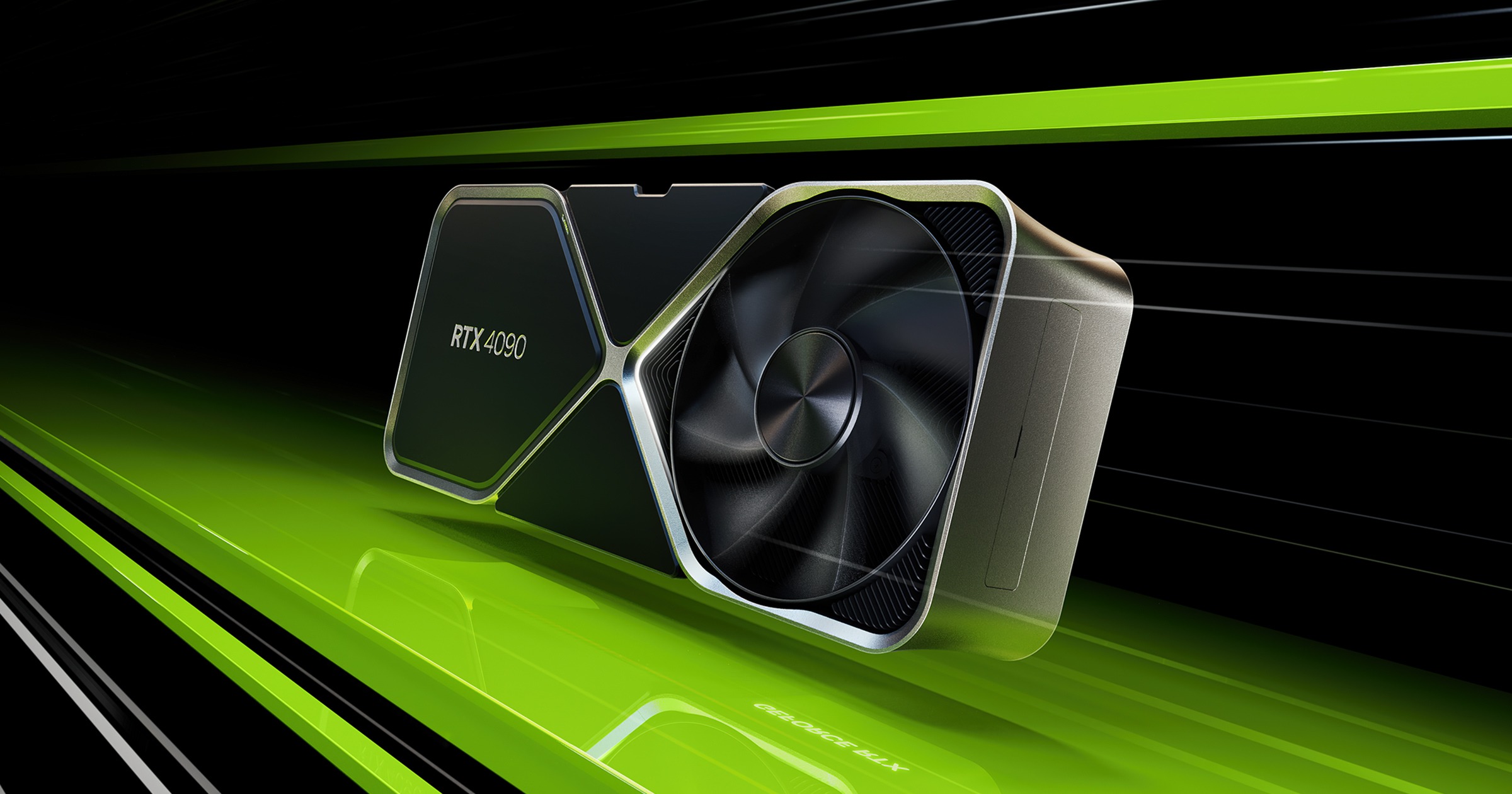
Absolutely yes. Even for casual gamers a GeForce PC offers significant advantages. While mobile gaming dominates with its accessibility a GeForce PC provides a more immersive detailed and versatile experience. You get access to a massive library of games often at higher fidelity and with better control options. The ability to join friends on Discord and play cross platform titles is a huge draw for social gaming. Furthermore a GeForce PC is a powerful multi-purpose machine capable of much more than just gaming like productivity content creation or learning. With scalable GeForce cards from the budget friendly RTX 3050 to the high end RTX 4090 there is a GeForce PC for every budget and casual gamers can enjoy smooth performance in popular titles without needing the absolute top tier hardware. It is an investment in a robust entertainment and productivity hub.
FAQ Section
What is the latest GeForce graphics card model?
As of late 2026 NVIDIA continues to innovate within its RTX 40 Series and upcoming 50 series. Always check NVIDIA's official website or reputable tech news sites for the absolute latest releases and announcements to ensure you are up to date on new models.
How often should I update my GeForce drivers?
Ideally update your GeForce drivers whenever a new 'Game Ready Driver' is released especially if you plan to play a newly launched title. NVIDIA typically releases these drivers to optimize performance for the latest games. Otherwise checking once a month is a good habit.
Can a GeForce PC run VR games effectively?
Yes many GeForce PCs especially those with RTX 20 series or newer cards are very capable of running VR games effectively. The performance depends heavily on the specific GeForce card and the VR headset you are using. Generally a more powerful GPU will provide a smoother VR experience.
What is NVIDIA DLSS and how does it help GeForce PC gaming?
NVIDIA DLSS Deep Learning Super Sampling uses AI to render games at a lower resolution and then upscales them to a higher resolution resulting in sharp image quality while significantly boosting frame rates. This is especially beneficial on high resolution monitors or for demanding games, allowing your GeForce card to deliver better performance without sacrificing visual fidelity. It's a game changer for many titles.
Is it better to buy a prebuilt GeForce PC or build one myself?
For busy gamers a prebuilt GeForce PC often offers convenience and warranty support. Building your own can be more cost effective and allows for greater customization but requires time and technical knowledge. In 2026 the market for prebuilt systems is highly competitive offering excellent value and saving you the hassle of assembly.
How do I clean my GeForce PC to prevent overheating?
Regularly clean your GeForce PC by using compressed air to blow dust out of fans heatsinks and vents. Focus on your GPU cooler CPU cooler and case fans. Aim to do this every 3 to 6 months. Keeping your PC dust free is vital for maintaining optimal temperatures and performance longevity.
In conclusion optimizing your GeForce PC is not just about raw power it is about smart choices efficient settings and maintaining a healthy balance with your real world responsibilities. From initial setup to savvy upgrades and tackling performance issues we hope this guide has empowered you to get the most out of your gaming rig. The world of PC gaming in 2026 is rich diverse and incredibly rewarding and your GeForce PC is your gateway to it. So go forth conquer new worlds and enjoy every moment.
What is your biggest gaming challenge with your GeForce PC? Comment below!
GeForce PC optimization tips, Best settings for NVIDIA, Budget gaming PC upgrades, Resolving GeForce performance issues, Social gaming on PC, Latest NVIDIA drivers guide, Balancing gaming and life, Gaming PC recommendations for busy adults, Maximizing FPS on GeForce.
35
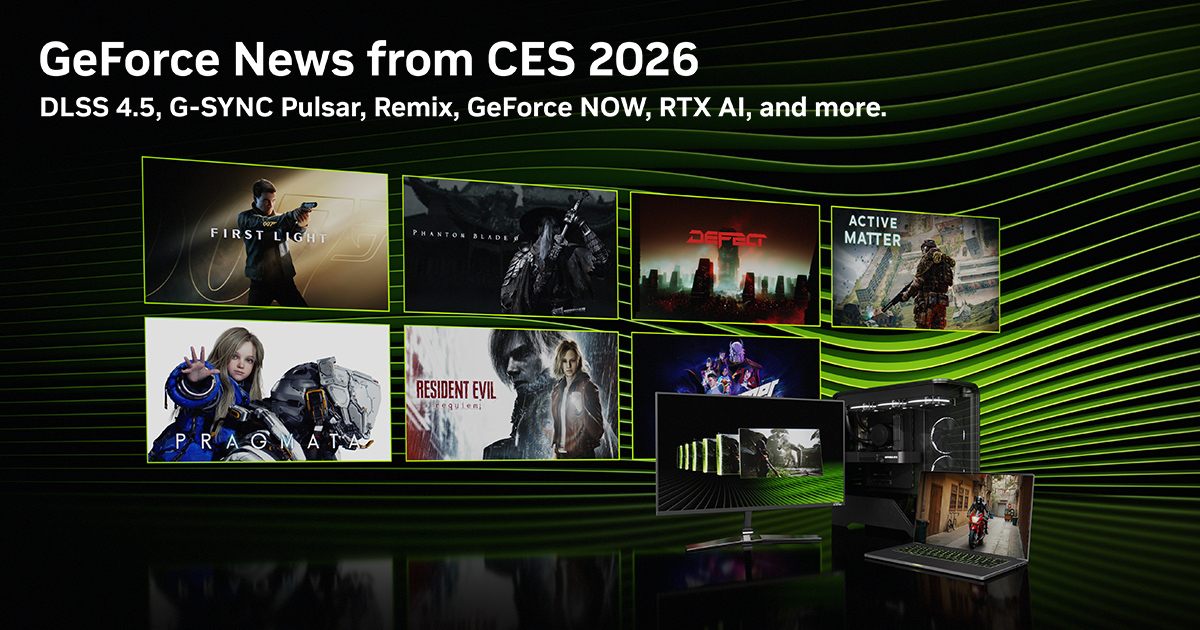
Geforce RTX 5090 Der Blitz Schl Gt Auf Der CES 2026 Ein MSI Lightning Pcgh Artwork . AORUS GeForce RTX 5090 INFINITY Graphics Card Unveiled At CES 2026 With GIGABYTE AORUS GeForce RTX 5090 INFINITY CES 2026 1 . NVIDIA Revient Sur Ses Annonces Du GDC 2026 DLSS 4 5 Nouveaux Jeux Nvidia GDC 2026 1024x683 . GeForce NOW At CES Linux Amazon Fire TV NVIDIA Blog GeForce NOW CES KV 1280x640 . GeForce CES 2026 NVIDIA DLSS 4 5 Announced 250 DLSS Multi Frame Ces 2026 Nvidia Geforce Rtx Ogimage
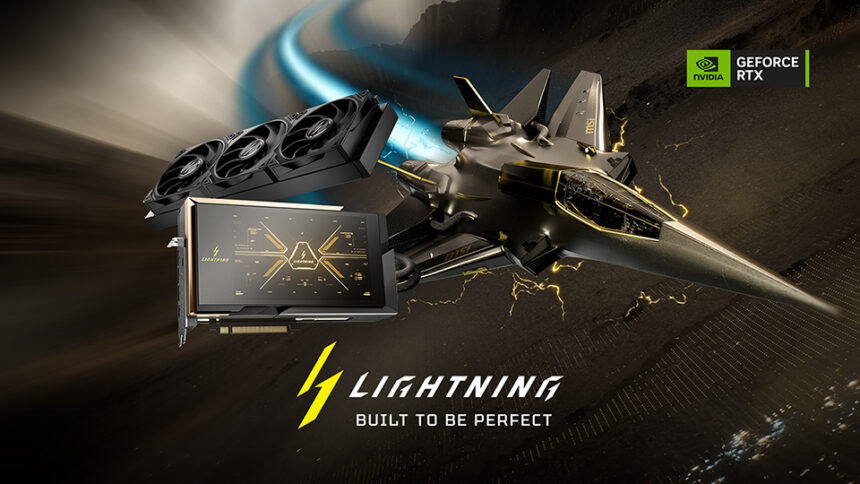
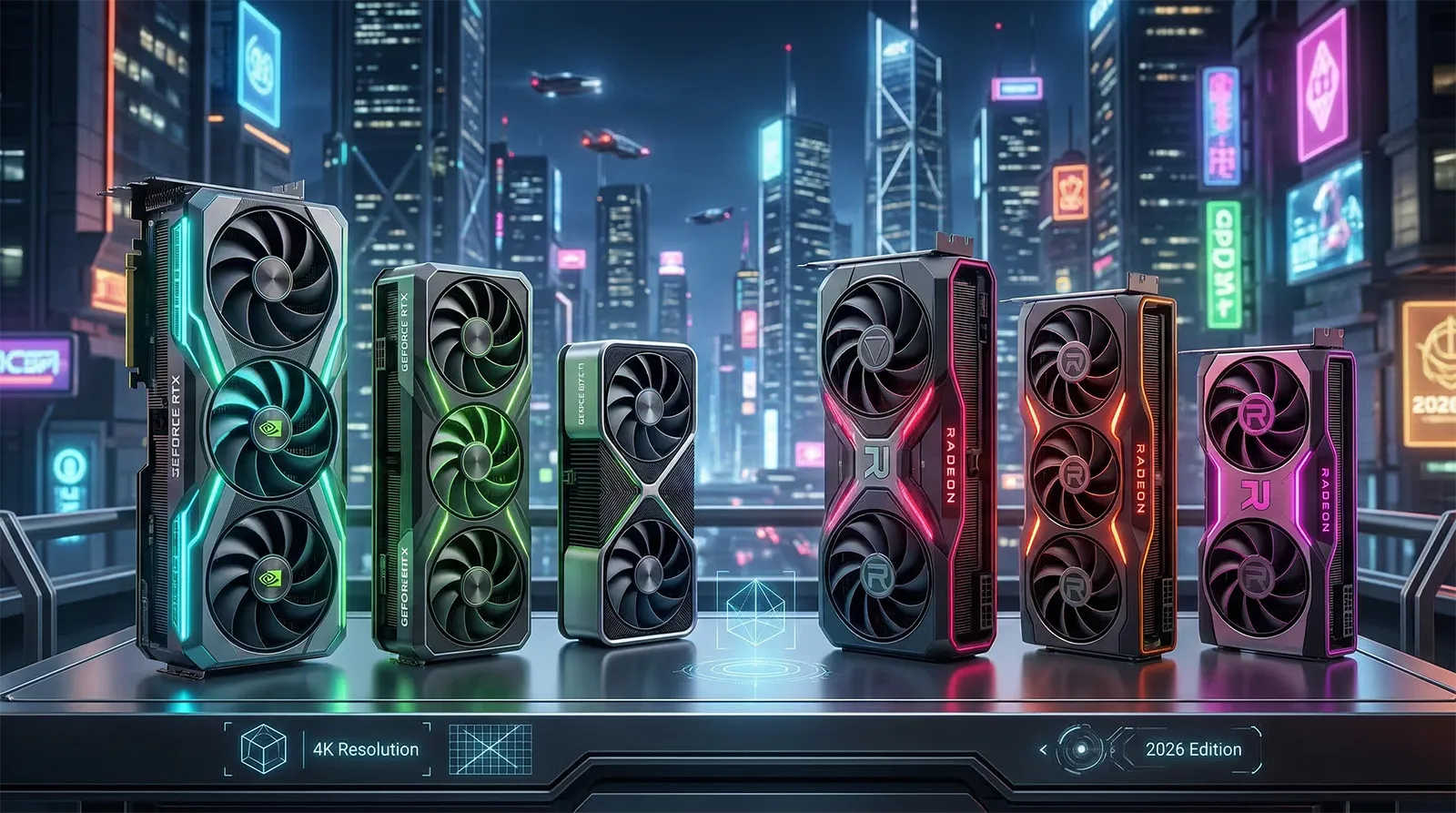
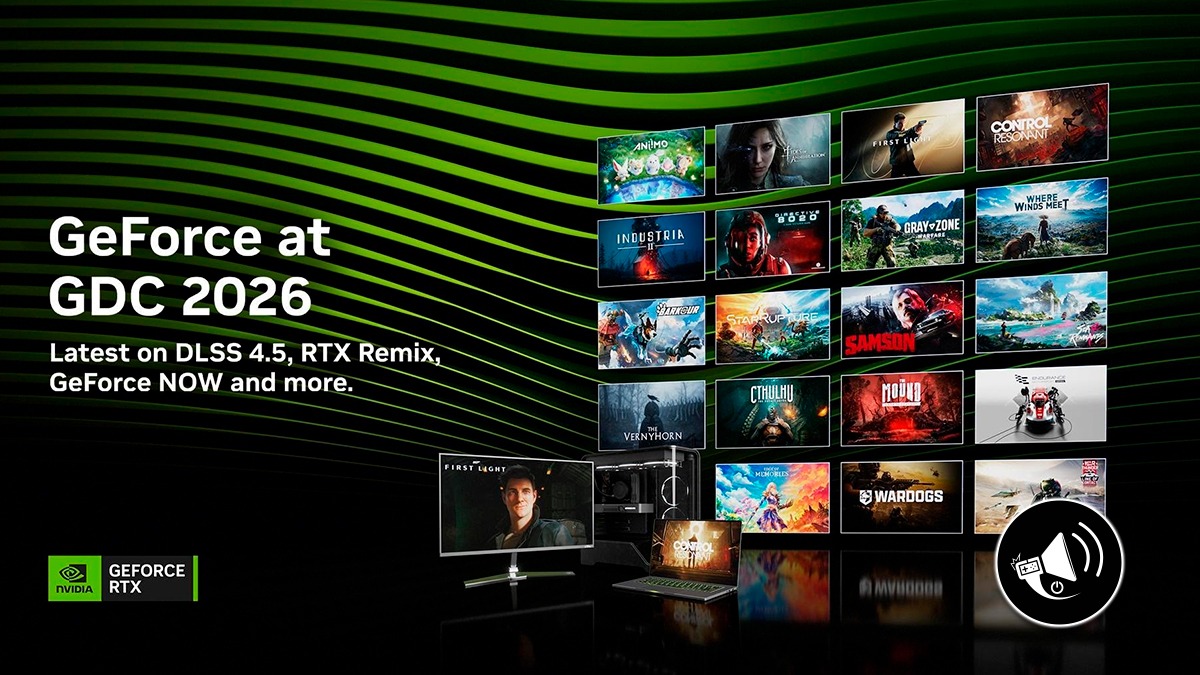

CES 2026 MSI Anuncia La GeForce RTX 5090 32G LIGHTNING Z MastekHw CES 2026 MSI Anuncia La GeForce RTX 5090 32G LIGHTNING Z 860x484 . 4K GPU 6 GeForce Radeon 2026. GDC 2026 NVIDIA Revela Novedades Para Plataformas En GeForce NOW Banner Noticia GeForce GDC 2026 . GeForce RTX 5070 Begins 2026 As One Of The Most Popular PC Gaming GPUs 109680 1 Rdna 4 Finally Makes Its Steam Hardware Survey Debut With The Radeon Rx 9070 . NVIDIA GeForce RTX 3060 Vers Un Retour En Production Surprise En 2026 NVIDIA RTX 3060 Official With PC Render.webp



NVIDIA GeForce RTX 5080 Ultimate 4K Graphics Card For 2026 Whisk . NVIDIA CES 2026 GPU GeForce RTX 5000 SUPER DLSS 4 Geforce On A 710x572 . A Full Overview Of The GeForce CES 2026 2. NVIDIA GeForce At GDC 2026 By Gamertag Radio Podchaser Rt=fill . Best GeForce Graphics Cards GPUs Tested And Ranked February 2026 Best GeForce Graphics Cards 768x419

Nvidia 2026 Nvidia 1920x1080 De Geforce Ada 4090 Web Og 1200x630@2x . GeForce Now S 100 Hour Monthly Limit Goes Live In 2026 Windows Central 450 80 . NVIDIA GeForce En GDC 2026 Todos Los Anuncios Y Las Novedades Explicadas Nvidia Comfyui 1000x600 . NVIDIA Targets GeForce NOW Launch In India For Q1 2026 VideoCardz Com GEFORCE NOW 1200x624 . Nvidia Pushes GeForce NOW Cloud Gaming S India Launch To Q1 2026 1763967115 1395

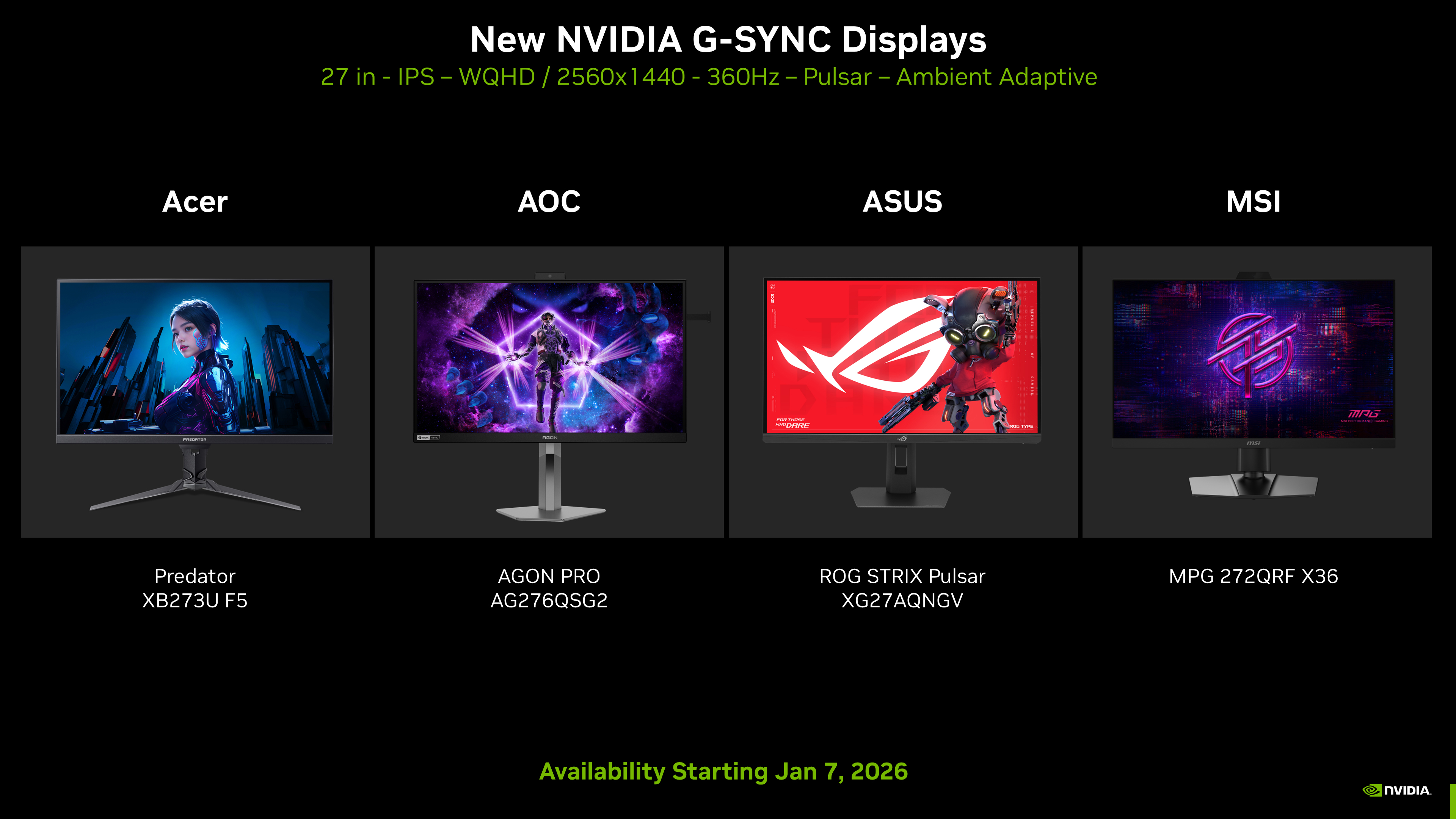
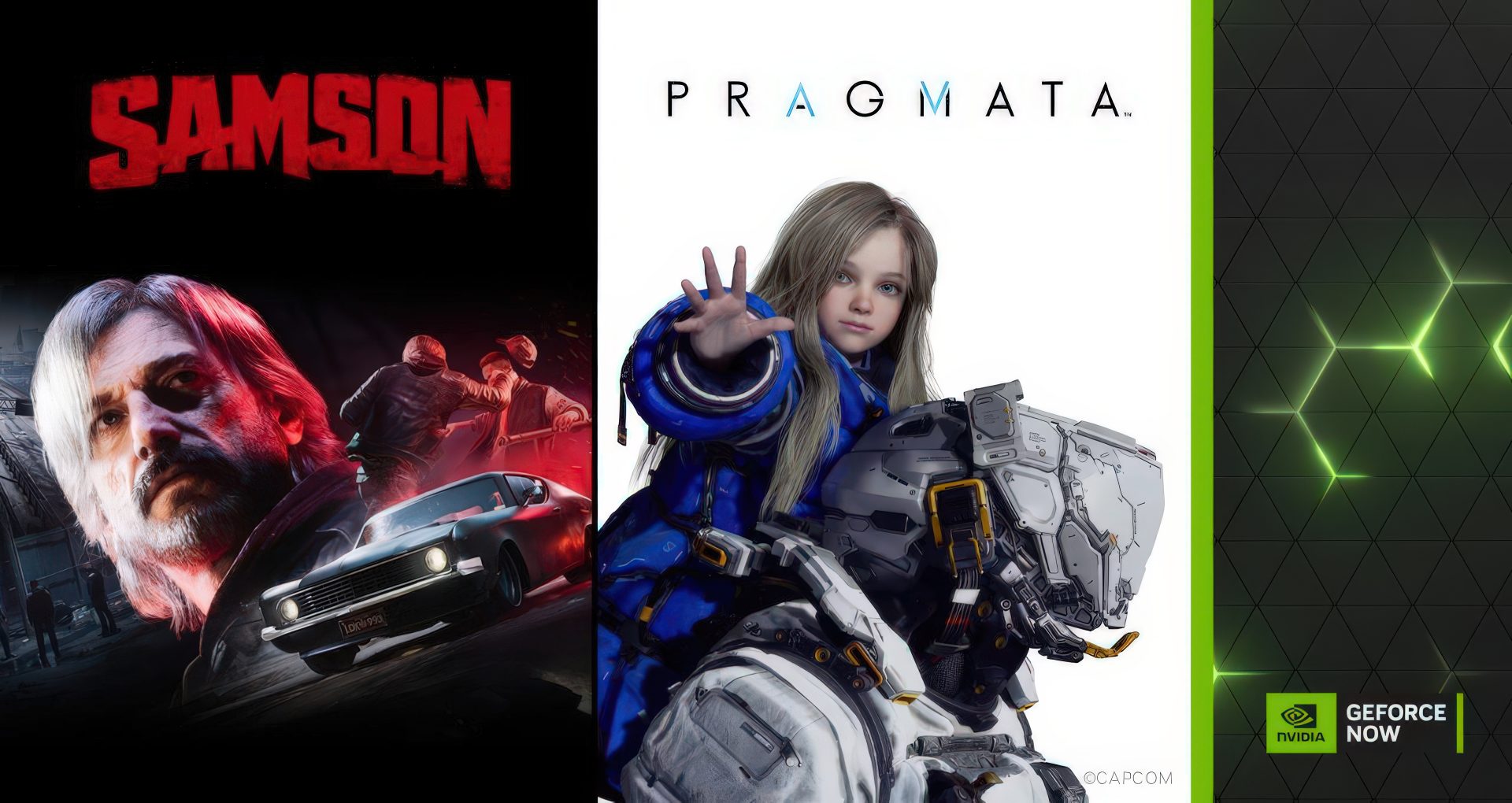
Best Gaming PCs Of 2026 Tom S Hardware . Le Migliori GPU Gaming 2026 In Attesa Della Prossima Generazione AC SL1500 . CES 2026 GeForce RTX G SYNC GeForce G Sync Pulsar Gaming Monitors Available January 7 2026 . La S Lection D Avril 2026 De GeForce NOW Met En Avant PRAGMATA Et Samson La Selection Davril 2026 De GeForce NOW Met En Avant . NVIDIA Geforce NOW PC Test Features Jetzt Im Fokus 2026 NVIDIA GFN Thursday 030425

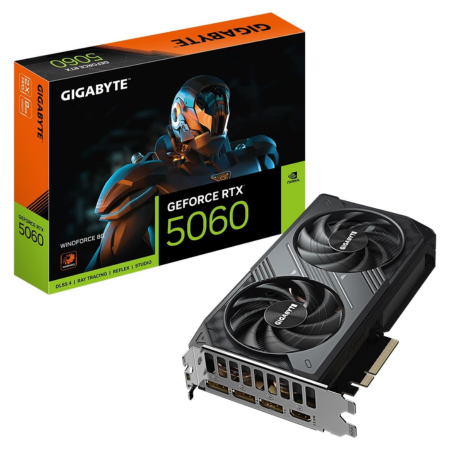


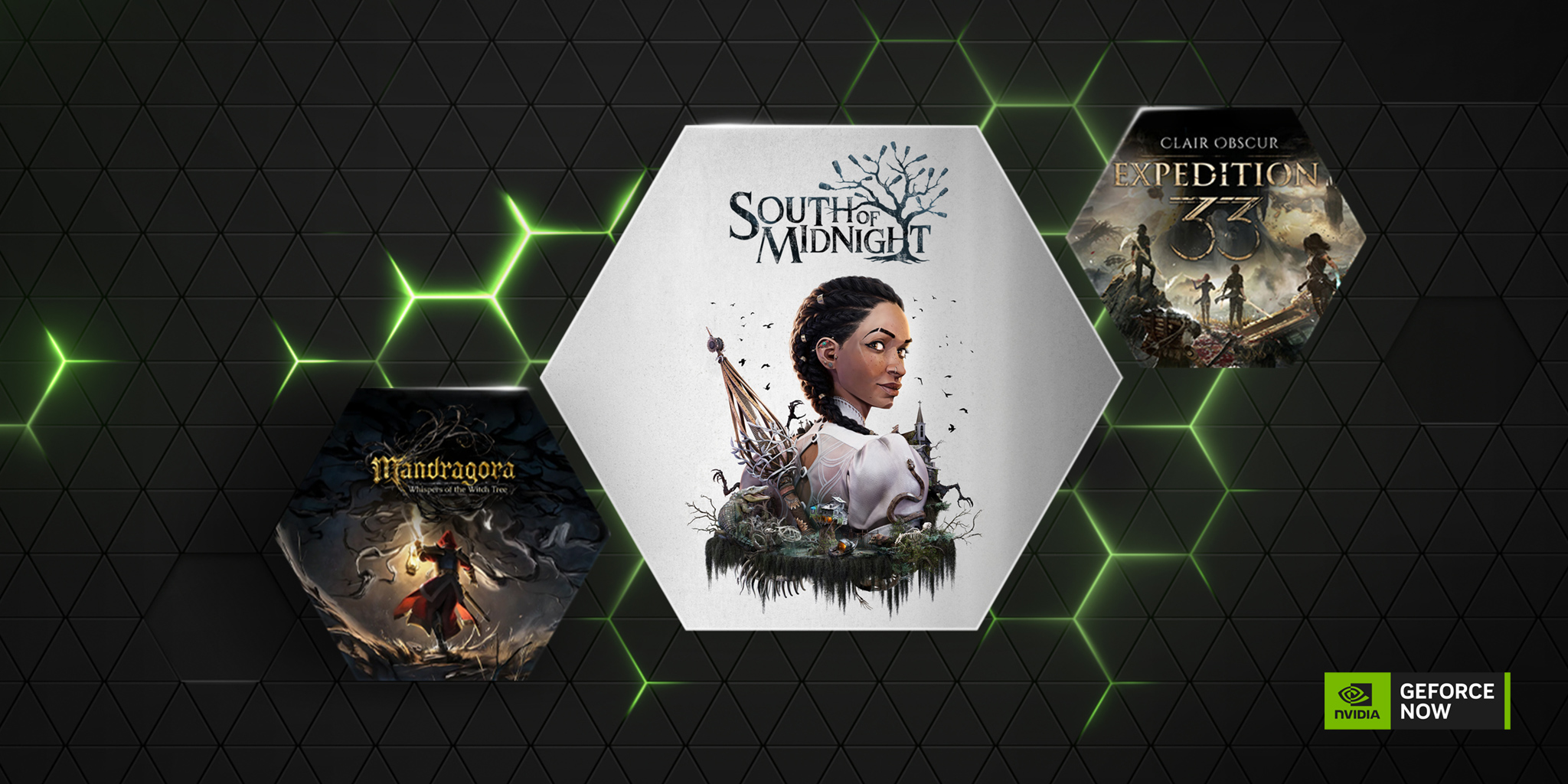
GeForce NOW S March Lineup Adds 15 New Games Led By Crimson Desert GFN Thursday March 5 HD 1456x728 . Best Budget Gaming PC Builds For 2026 500 800 GIGABYTE GeForce RTX 5060 . Crimson Desert Coming To NVIDIA GeForce NOW Revealed At CES 2026 Image Crimson Desert Coming To Nvidia Geforce Now Revealed At Ces 2026 Jpg.28156. All Games Coming To GeForce NOW In January 2026 Nvidia Geforce Now . GeForce NOW Kicks Off 2026 With 14 New Games Added Throughout January GFN Thursday Jan 1 HD 1456x728



NVIDIA Announces GeForce ON Community Update At GDC 2026 VideoCardz Com GEFORCE ON GDC 2025 1536x864 . NVIDIA Is Reportedly Restarting RTX 3060 Production In Q1 2026 7d4f8 1920 . Asus CES 2026 Da GeForce RTX 5090 ProArt Ekran Kart N Tan Tt 2026 01 07 10 21 42 HFqOv 660x371 . GeForce NOW Scatena Il 2026 RTX 5080 Ovunque Nuove App E Una Valanga GFN Thursday Jan 8 . MSI Unveils GeForce RTX 5090 32G LIGHTNING Z The Return Of A Legend